ProperlinxENNLFRLet’s talk.

For agencies

Every repair, sorted before you ask.

Reports come in with photos. You set the priority and send the right person. Quote, the landlord’s OK, the visit and the invoice follow in the same job.

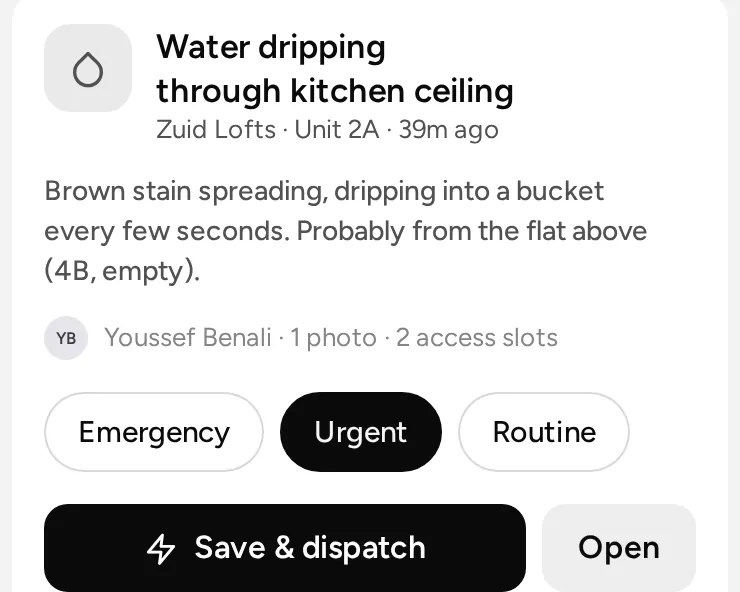
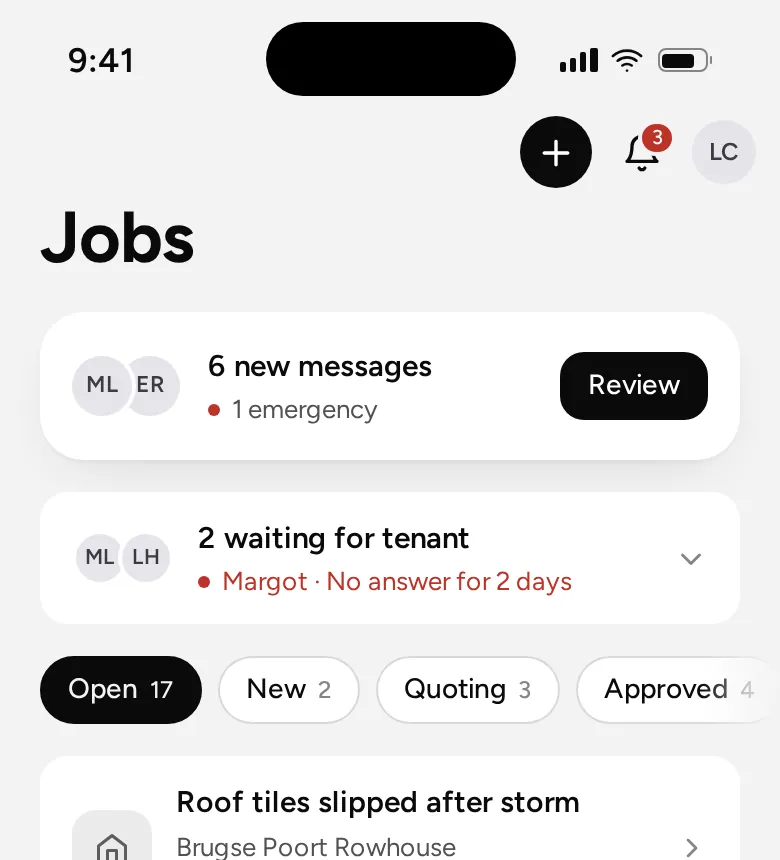
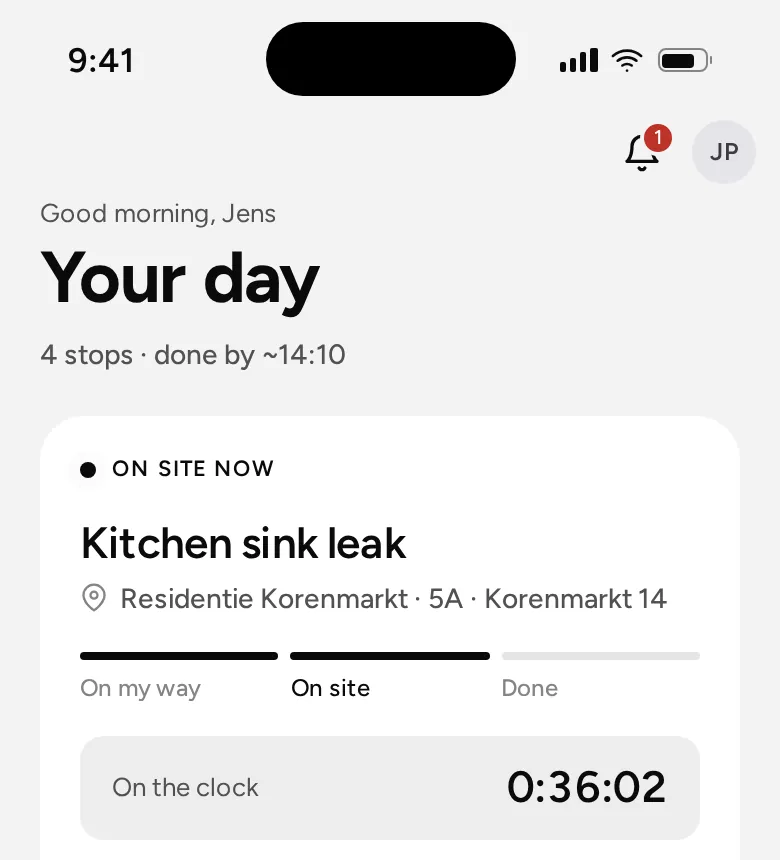
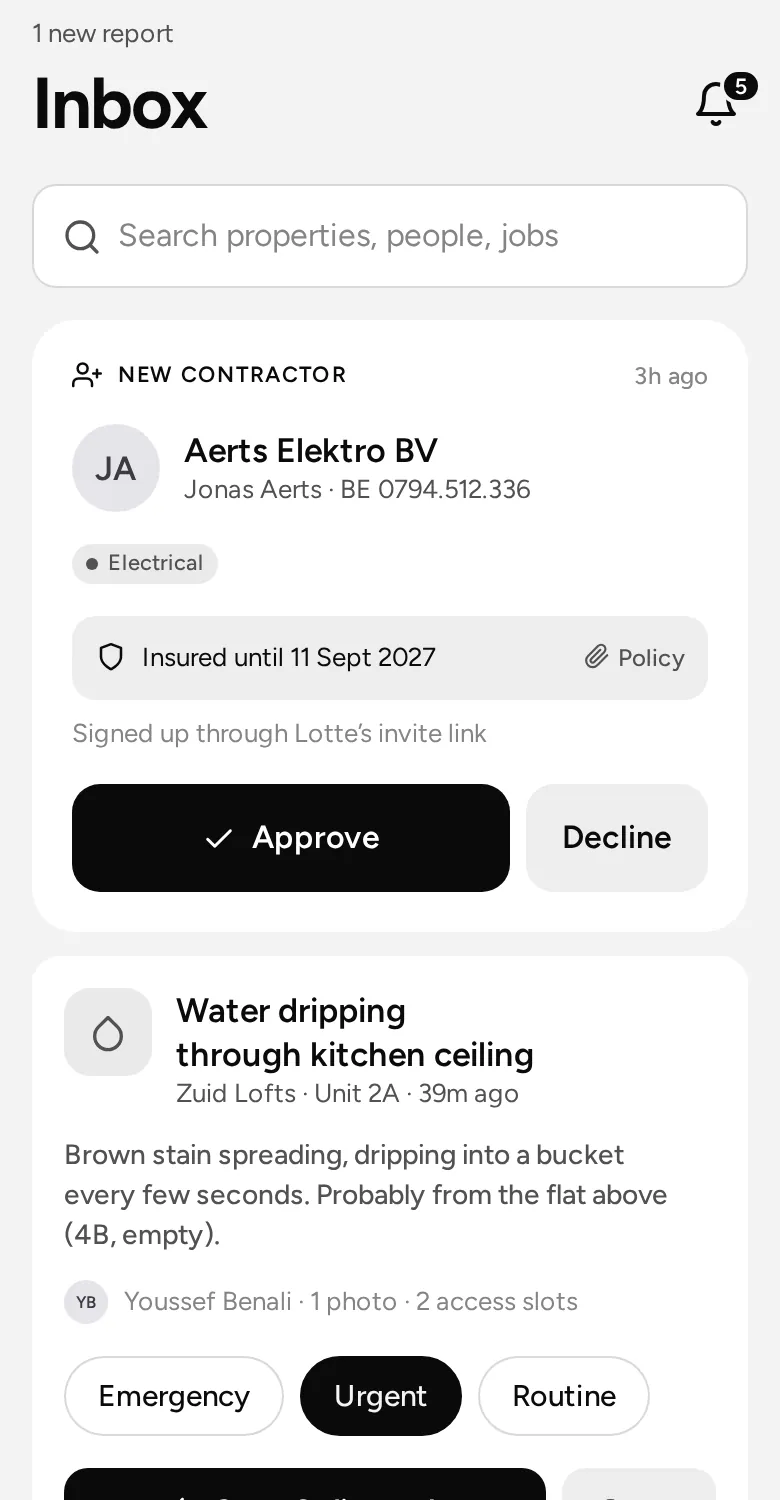
The office inbox in Properlinx on a phone
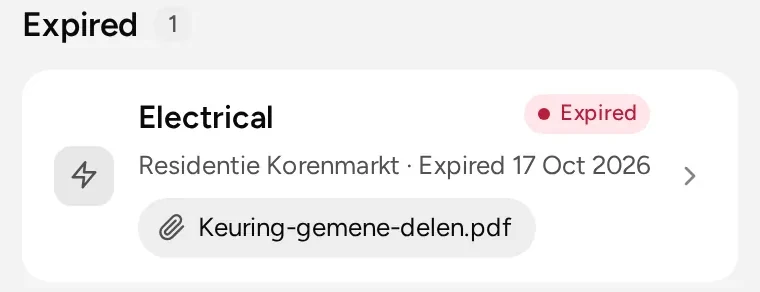
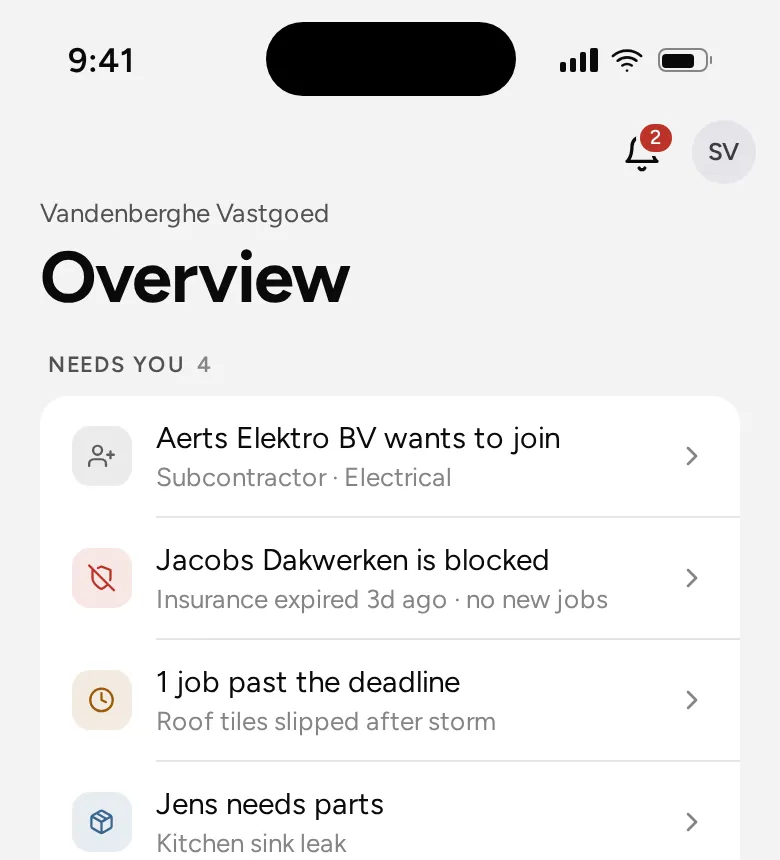
An expired certificate flagged in Properlinx
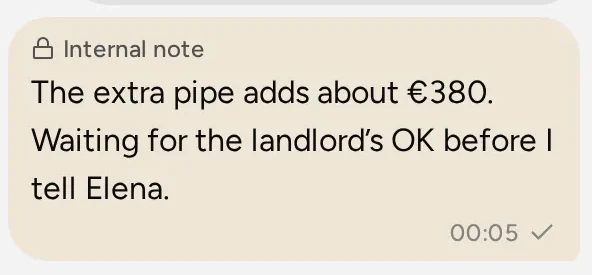
An internal note in a job’s chat
For the office

Less chasing. More done.

Triage in a few taps

Each report lands in your inbox with the tenant’s photo. Set the priority and the category, then send it where it belongs.

  • Emergency, urgent, routine or planned
  • Your own builder, a fixed-fee offer, or quotes
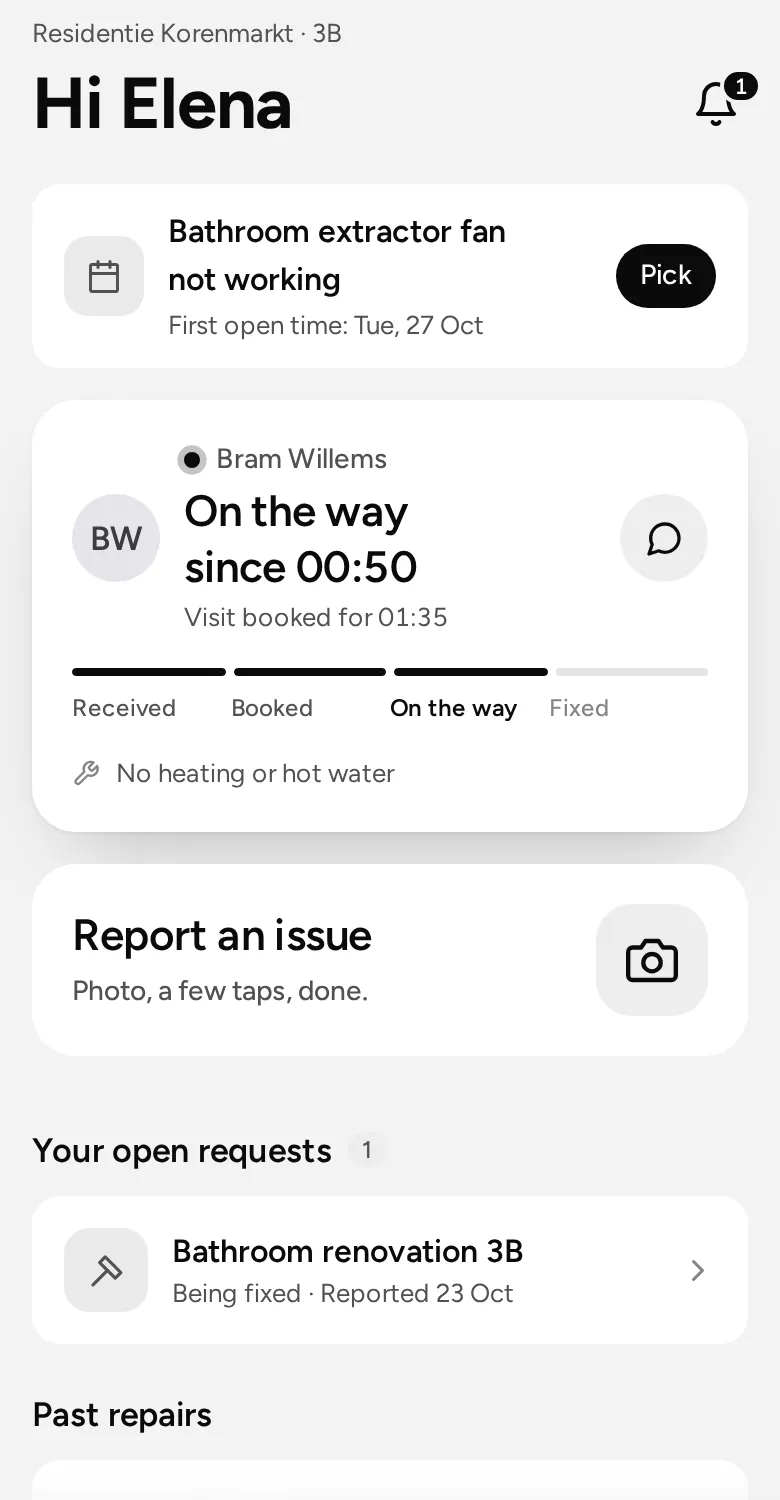
  • The tenant sees what happens next
A new tenant report in the office inbox, with priority choices

Quotes and the landlord’s OK, in the job

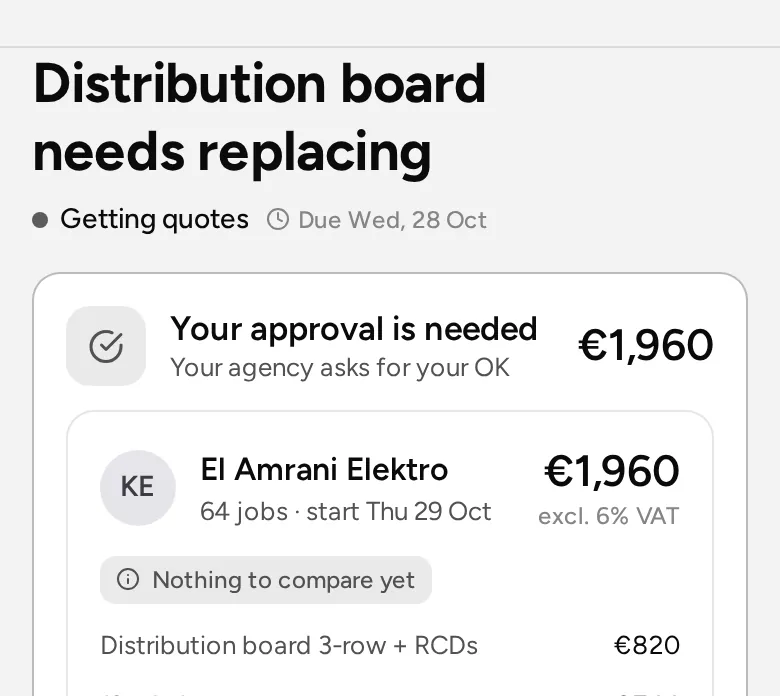
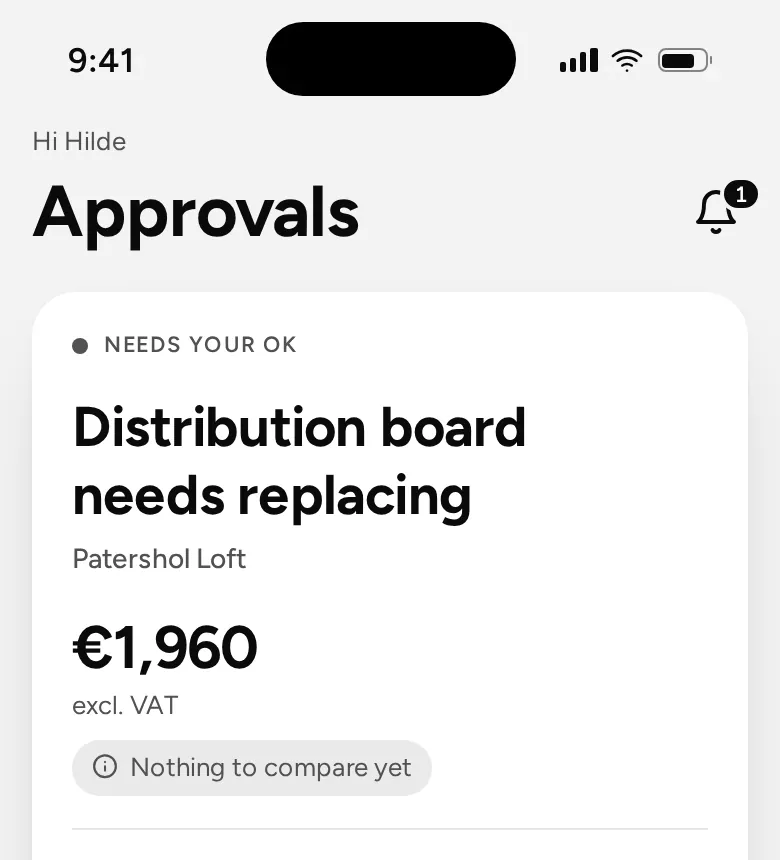
Ask up to five contractors. Each quote comes in with line items, VAT and the earliest start. Accept one and the others are declined for you.

  • A spending limit per building
  • Above it, the landlord approves in one tap
  • After a phone call, you can approve for him
A quote with line items and VAT, waiting for the landlord’s approval

Checked before it’s closed

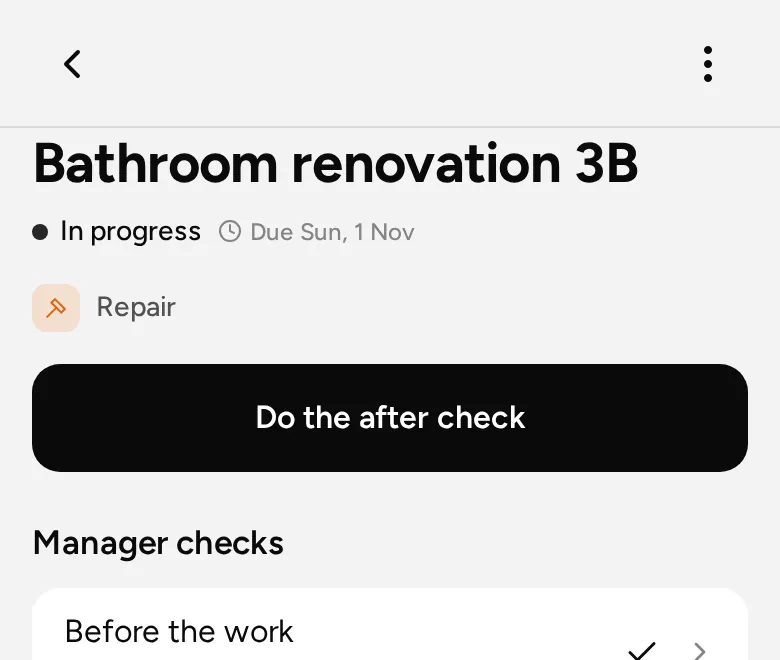
A job is done with an after photo or the tenant’s signature. Before and after checks let a manager look at the work before the job closes.

  • Photos, time and materials on the job
  • Nobody home? Logged with time, place and a photo
  • Reopen it if the problem comes back
Before and after checks on a job in Properlinx

Everything your office needs

In every plan.

One board for every job

Every job has one status, from reported to closed. Nobody has to ask where it stands.

Visits without the calls

Your builder, the contractor or the office offers a few times. The tenant picks one in the app or from a link, with a reminder if they forget.

Keys and codes

Lock and access codes are stored encrypted per building and unit, and shown for the visit.

Certificates on time

Gas, electrical, EPC: every check with its date, so you see what expires before it does.

Inspections

Move-in and move-out inspections room by room, with photos and signatures, and a report to print.

Chat per job, and with anyone

Office, tenant and builder talk in the job. Team, group and building chats sit in the same list.

Hours for your builders

Clock in and out on site with a location check. Overtime and gross wages for payroll.

Tasks and a real calendar

To-dos for your team with checklists and templates. Day, week or month view.

A QR poster per building

Tenants scan it in the hallway to report a problem. No app or account needed.
For the agency owner

The whole agency at a glance.

What needs you, and nothing else

Key numbers, deadlines, spend against budget and how contractors perform, across every building.

The agency owner’s overview in Properlinx

Coming soon

In testing or being built. Not in the live app yet.

  • Coming soonA job link for contractorsContractors without an account accept, offer times, quote, report and invoice from one secure link.
  • Coming soonAutomations that actSet a rule once. It assigns the job, asks for quotes or asks the landlord, on its own.
  • Coming soonLook first, fix on the spotA short visit before the price. Small fixes are done right away within your limits, or the office approves them in one tap.
  • Coming soonTimes that suit the tenantTenants can suggest their own times. Without the app, the office picks one for them after a call.
  • Coming soonSent, delivered, readChat messages show when they arrive and when they are read. A notification opens the message.
  • Coming soonAgreed by phoneA time agreed with the tenant on the phone is booked in one step, by the office or the person doing the job.

See it on your own buildings.

We walk you through the whole path, from a tenant’s photo to the invoice.