How it works
From report to paid, in one job.
Seven steps, each in the app of the person who does it. Nobody has to call around to find out where things are.
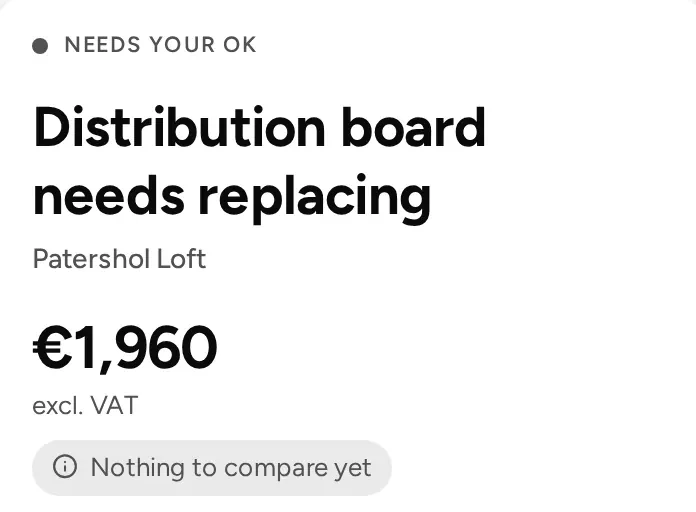
Distribution board needs replacing
Patershol Loft
- Reported
- Quoting
- Approved
- Completed
A job’s path
Every step leaves a line in the job’s timeline, with who did it and when.
- Tenant
Report
The tenant reports a problem with a photo, in the app or by scanning the building’s QR code. The office can also add a job itself, after a call or an inspection.

- Office
Triage
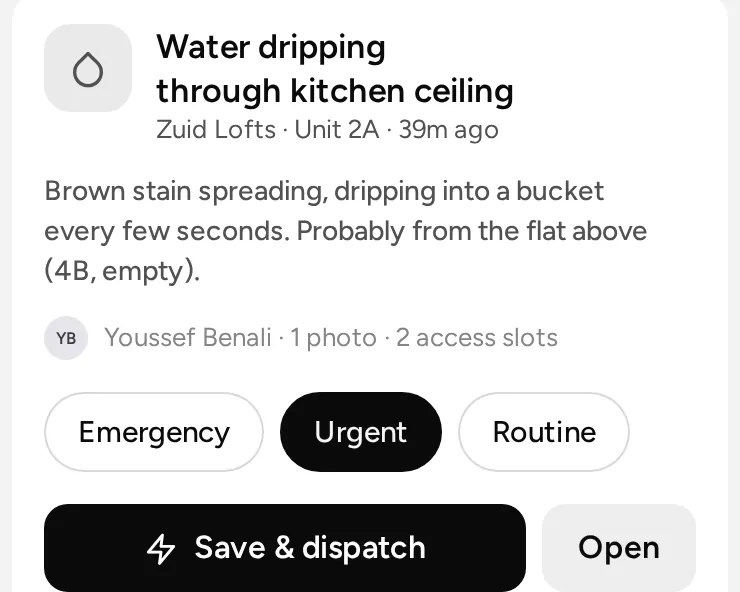
The office sets the priority and the category, and chooses the route.
- Your own builder
- An offer to a subcontractor, at a fixed fee
- Quotes from up to five contractors
- Contractors
Quote
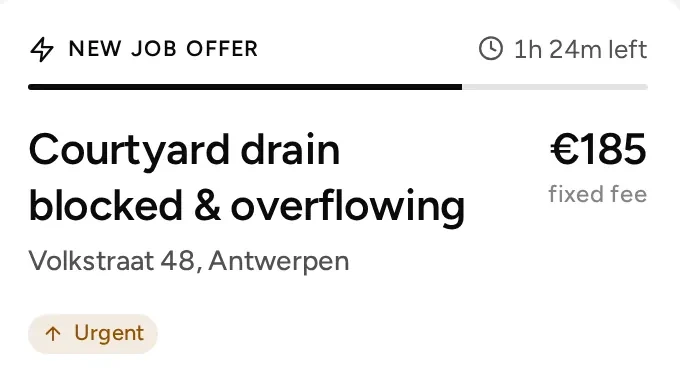
Contractors quote with line items, VAT and the earliest start. The office accepts one, and the others are declined for them.
- Landlord
Approval
Under the building’s limit, the job goes ahead. Above it, the landlord gets the quote and approves it in one tap, or the office approves for him after a call.
- Tenant and builder
Visit
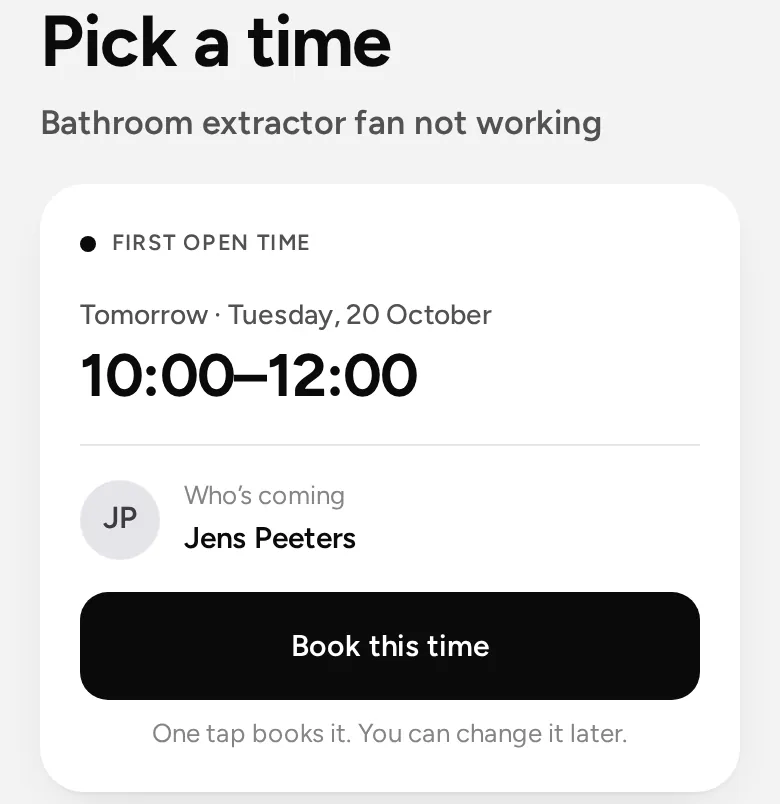
The person doing the job, or the office, offers a few times and the tenant picks one, with a reminder. On the day, “On my way” tells the tenant, and the lock codes show for the visit.
- Nobody home? Logged with time, place and a photo
- The job goes back to be booked again
Coming soonTenants suggesting their own times, and a look-first visit with a fix on the spot.
- Builder
Done
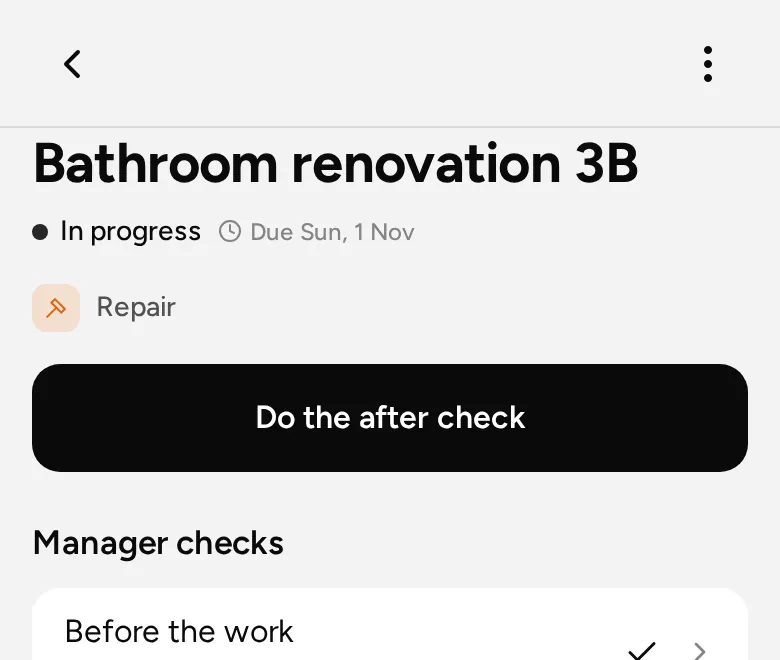
Checklist, photos, time and materials on site. The job is done with an after photo or the tenant’s signature, and a manager can check it.
- Contractor and office
Invoice and paid
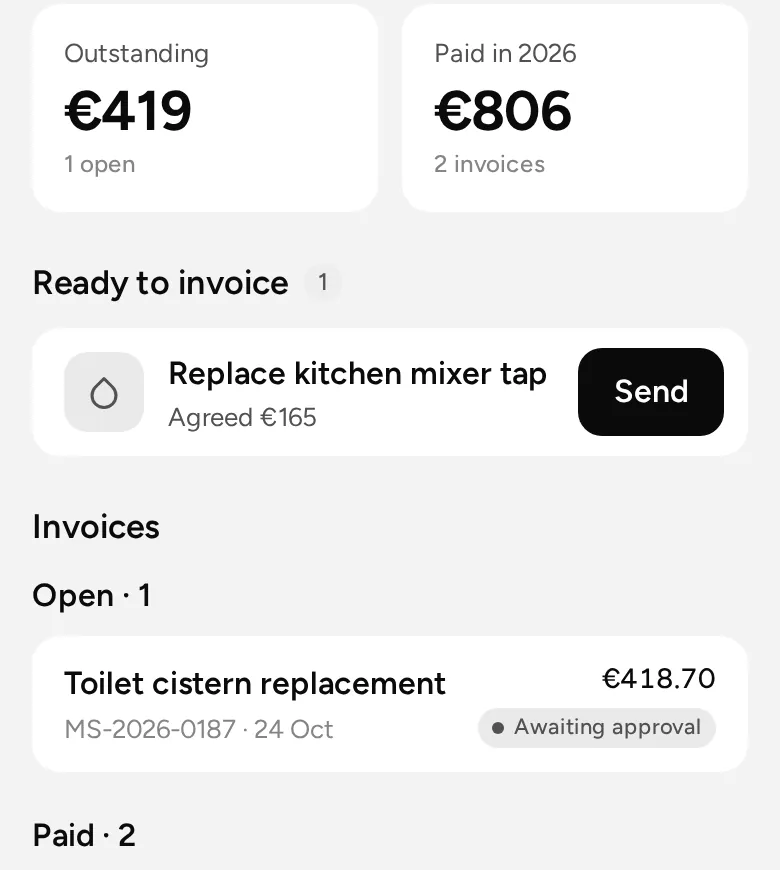
The contractor sends the invoice in the app. The office approves it, pays it from its own bank as usual, and marks it as paid. Everyone sees where it stands.
Coming soon on this path
Coming soon on this path
In testing or being built. Not in the live app yet.
- Coming soonA job link for contractorsAccept, offer times, quote, “on my way”, photos, done and invoice from one secure link, without an account.
- Coming soonTimes that suit the tenantTenants can suggest their own times. Without the app, the office picks one for them after a call.
- Coming soonLook first, fix on the spotA short visit before the price. Small fixes are done right away within your limits, or the office approves them in one tap.
- Coming soonAutomations that actSet a rule once. It assigns the job, asks for quotes or asks the landlord, on its own.
See it on your own buildings.
We walk you through the whole path, from a tenant’s photo to the invoice.